Not bad art either. We are talking cinematic landscapes, fantasy characters, surrealist compositions, photorealistic portraits — all produced locally on a nine-year-old GPU. This is what self-hosting AI image generation looks like in 2026, and if you are already comfortable running your own infrastructure, it is a natural next step.
Why not just use Midjourney or Adobe Firefly?
The same reason I do not host my email at Gmail.
Every cloud AI image service is a dependency. The pricing changes. The terms of service change. The content policies tighten without notice. Images you generate today are, depending on the platform, used to train future models. Some services watermark outputs. Others restrict commercial use unless you are on the expensive tier.
Midjourney runs $10 to $60 USD per month. Adobe Firefly is bundled into a Creative Cloud subscription that costs significantly more. DALL-E charges per image. The costs add up quickly if you are generating regularly for a website, a business, or just for the enjoyment of it.
Running Stable Diffusion locally costs nothing after the initial setup. The models are free. The generations are free. The outputs are yours.
The setup
I use Stability Matrix as the frontend launcher. It handles Python environments, model management, and launching cleanly — think of it as a control panel that sits on top of the actual generation engine. Download it from GitHub and it handles nearly everything, including pointing multiple packages at a shared models folder so you don't store duplicates on disk.
The actual workhorse is Automatic1111 Stable Diffusion WebUI — a browser-based interface that has been the community standard for years. Thousands of models, extensions, and ready-made configurations exist for it. You launch it through Stability Matrix, open localhost:7860 in a browser, and you have a full image generation studio running locally.
Hardware-wise, you want a dedicated NVIDIA GPU with at least 4GB VRAM. My GTX 1060 6GB handles SD 1.5 models comfortably with the --medvram flag, which tiles operations to stay within the VRAM budget. If you are running SDXL or FLUX models you will want 8–12GB.
Generation settings
Getting good results is largely a settings problem before it's a prompt problem. These are the defaults I settled on after testing, tuned for SD 1.5 models on 6GB VRAM:
| Setting | Value |
|---|---|
| Sampler | DPM++ 2M — Karras schedule |
| Steps | 28 |
| CFG Scale | 5.5 |
| Resolution | 512 × 768 |
| VAE | vae-ft-mse-840000-ema-pruned |
| CLIP Skip | 2 |
| Hires Fix | Enabled — 2× upscale |
| Upscaler | 4x-UltraSharp |
| Hires Steps | 15 |
| Denoising Strength | 0.45 |
Why these numbers? DPM++ 2M Karras is the most reliable sampler for photorealistic and detailed work — it converges cleanly in 25–30 steps. CFG 5.5 is lower than the A1111 default of 7, which produces more natural-looking results; higher CFG values push the model harder toward the prompt but introduce artefacts. The VAE is critical — without a proper SD 1.5 VAE, colours are washed out and skin tones look grey. CLIP skip 2 is standard for most SD 1.5 community models.
The hires fix workflow generates at 512×768 first (fast, low memory), then upscales to 1024×1536 using the 4x-UltraSharp model. At denoising 0.45 it adds detail without reinterpreting the composition. On a GTX 1060 a single image with hires fix takes around 90 seconds.
Negative prompts and embeddings
The negative prompt is just as important as the positive one. You are telling the model what to actively avoid. My standard negative:
BadDream, UnrealisticDream, (worst quality, low quality:1.4), (malformed hands:1.4), (poorly drawn hands:1.2), blurry, extra limbs, cloned face, disfigured, ugly, watermark, text, signature, cartoon, anime, painting, CGI
BadDream and UnrealisticDream are textual inversion embeddings — small files that encode entire patterns of unwanted output into a single token. They are far more effective than typing out individual negative terms because they capture complex multi-dimensional failure modes the model learned during training. Both are free downloads from CivitAI and sit in the embeddings/ folder.
The numbers in brackets are attention weights. (malformed hands:1.4) means "pay 40% more attention to avoiding this". Hands are notoriously difficult for diffusion models and worth weighting heavily.
ADetailer — automatic face fixing
At 512×768, faces often come out slightly soft or inconsistent, especially when the figure is small in the frame. ADetailer is an A1111 extension that runs a second pass automatically: it detects faces using a YOLO object detection model, crops and re-generates just that region at higher detail, then composites it back. The result is sharper, more consistent faces without any manual inpainting.
Configuration is minimal — install the extension, enable it in the ADetailer accordion, set the model to face_yolov8n.pt, and leave the defaults. Denoising strength of 0.4 works well — enough to add detail without changing the face entirely.
The models
Stable Diffusion 1.5 is the foundation — fast, modest VRAM requirements, and by far the largest ecosystem of community-trained variants. Think of it like the base Linux kernel that everyone builds their own distribution on top of. All of the models below are free to download from CivitAI or HuggingFace and sit alongside each other in Stability Matrix's shared models folder.
- Realistic Vision v6 — photorealistic portraits and people, film photography aesthetic. The HyperVAE version has a baked-in VAE so no external VAE file is needed.
- Dreamshaper 8 — versatile all-rounder, handles illustration, concept art, and photorealism. The best single model if you only want one.
- AbsoluteReality v1.8 — photorealism with better ethnic diversity than most models; good for marketing imagery where you want varied faces.
- Deliberate v6 — detailed and painterly, excellent for fantasy scenes and editorial work. Handles complex compositions well.
- Dreamlike Photoreal 2.0 — very clean, modern photography look. My first choice for website hero images and lifestyle shots.
- ICBINP Mid 2024 — one of the most convincingly photographic SD 1.5 models available. Stands for "I Can't Believe It's Not Photography".
- toonyou Beta 6 — friendly cartoon style, consistent character anatomy. Best choice for children's content, illustrations, and anything that needs a safe, approachable look.
Writing good prompts
A few principles that consistently improve results:
Be specific about style. "A portrait" gets you something generic. "A portrait, 35mm film photo, soft natural lighting, bokeh background, Vogue editorial style" gives the model clear direction.
Use quality anchors. Terms like photorealistic, RAW photo, 8k, (masterpiece:1.2) signal high quality output. The numbers in brackets are weights — (masterpiece:1.2) means "pay 20% more attention to this".
Match the model to the task. A photorealism model will fight you if you ask for anime. A cartoon model will struggle with documentary-style photography. Use the right tool for the subject.
Keep ethnicity descriptors in portrait prompts. Most SD 1.5 photorealism models have a bias toward East Asian faces as a default. Adding caucasian, european, dark skin, or whatever you actually want is necessary for consistent results.
The images
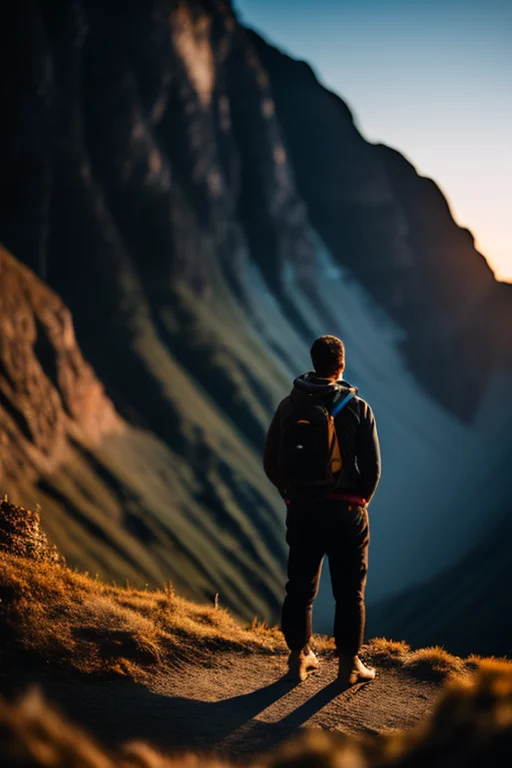
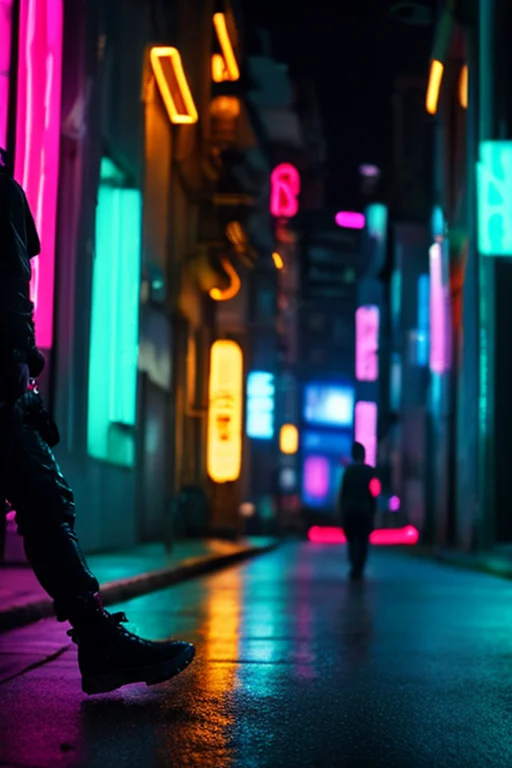
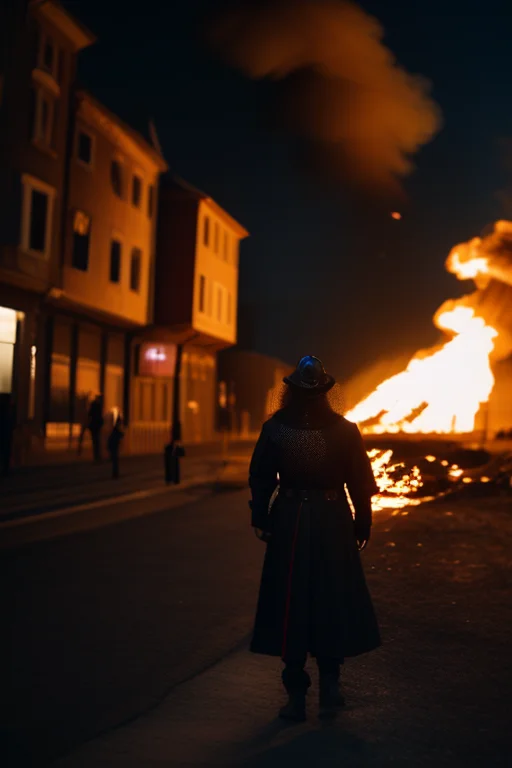
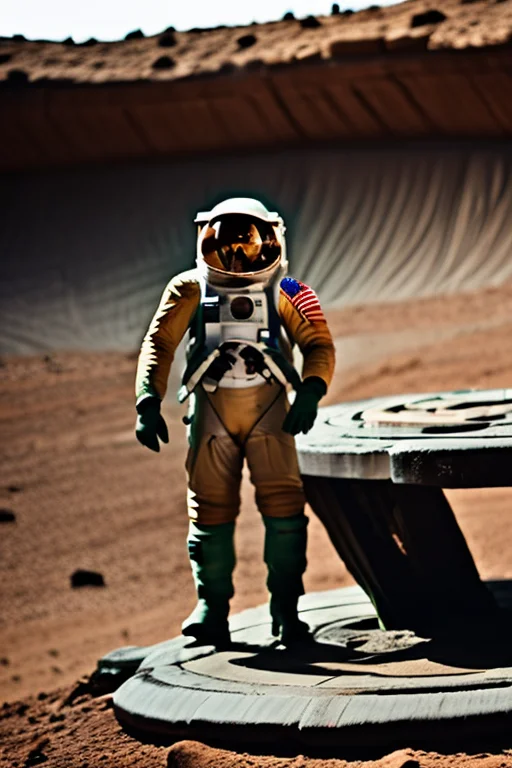
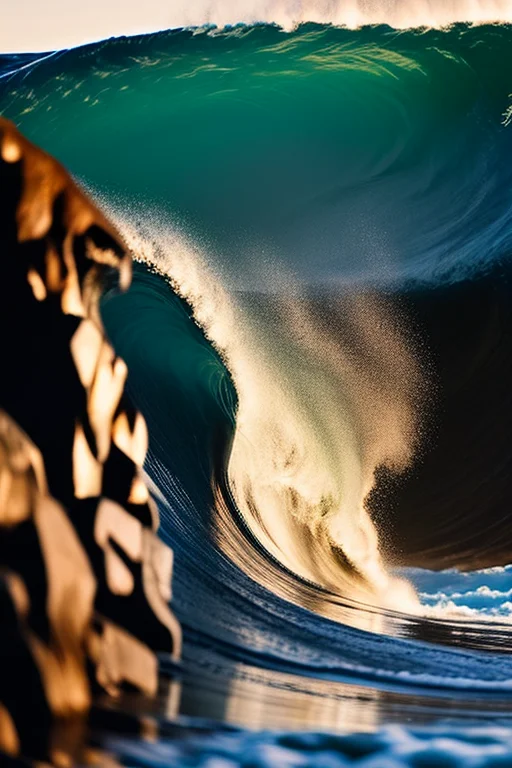
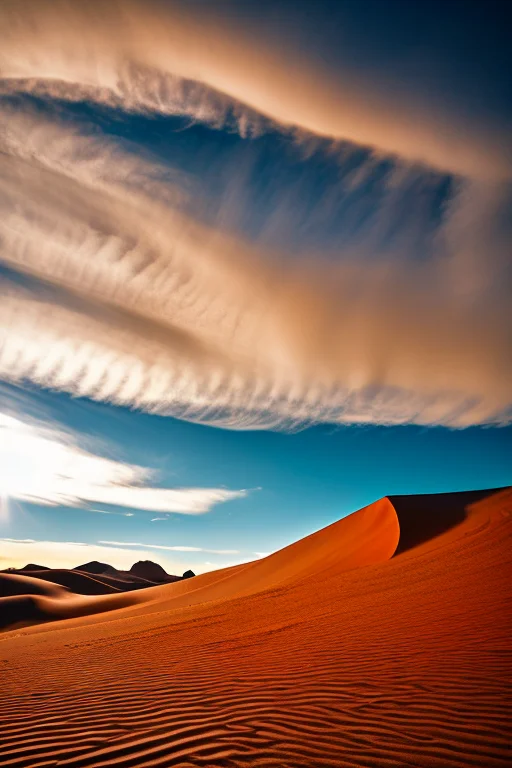
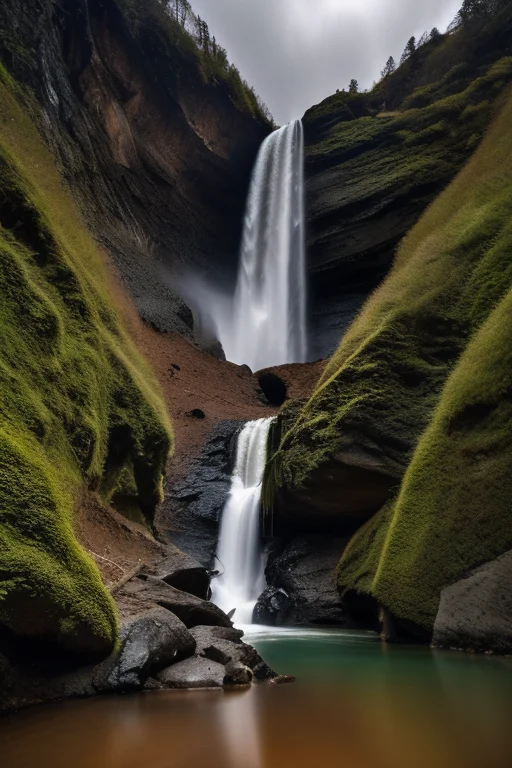
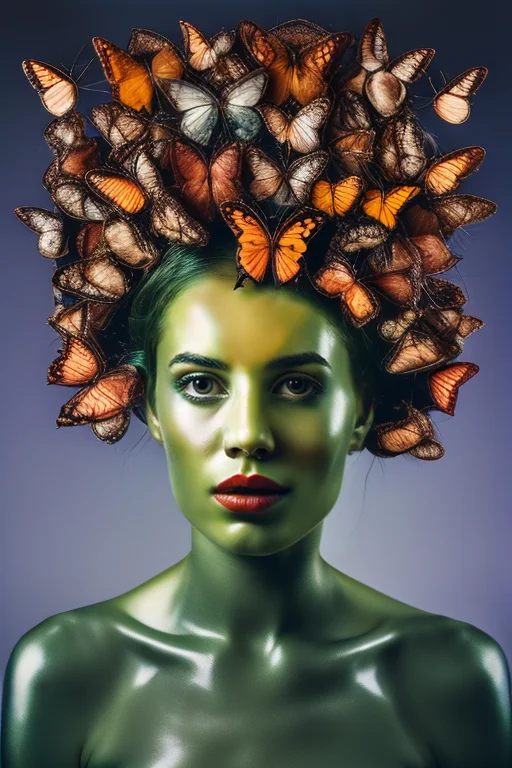
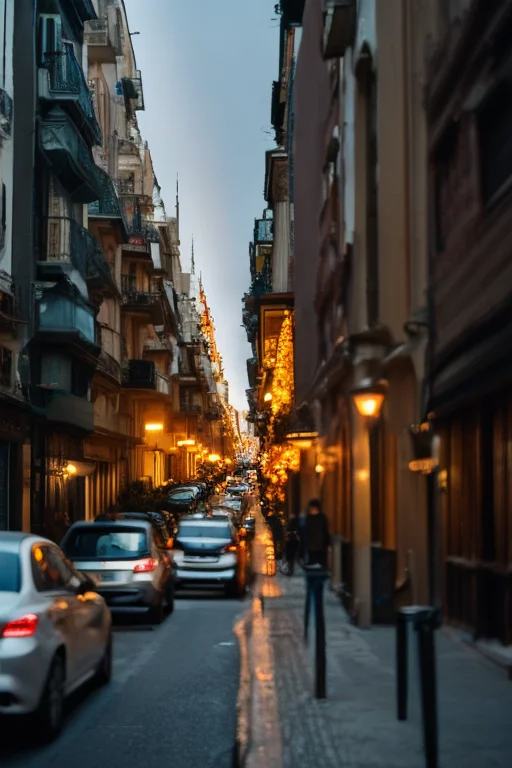
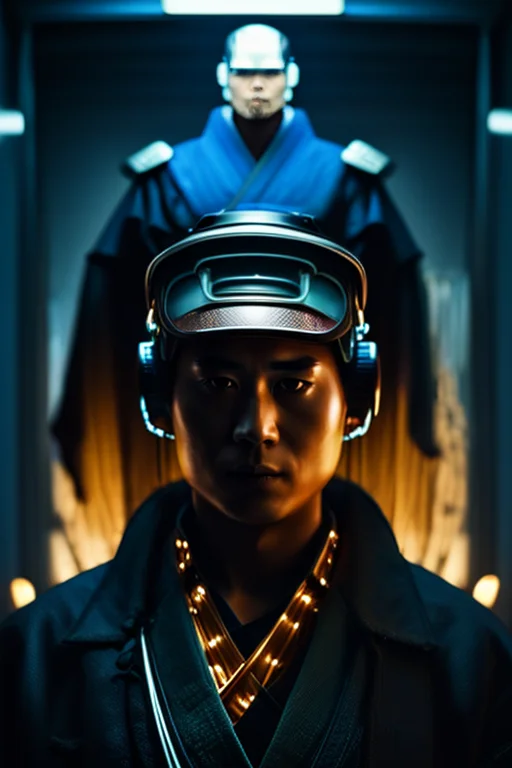
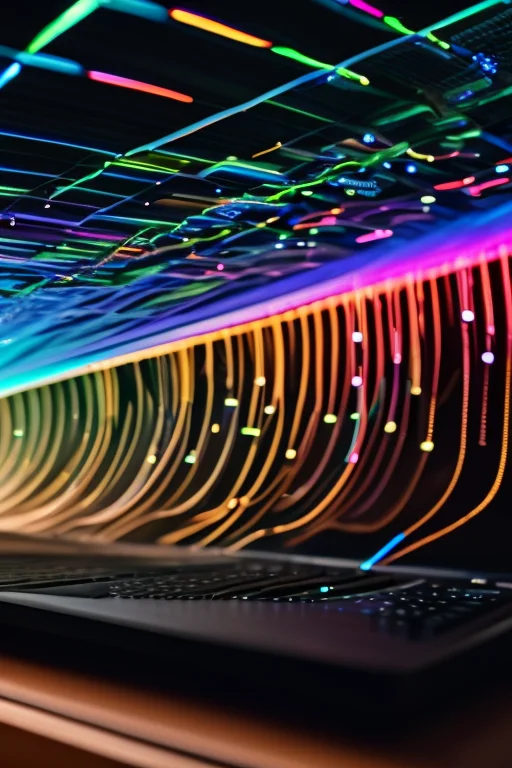
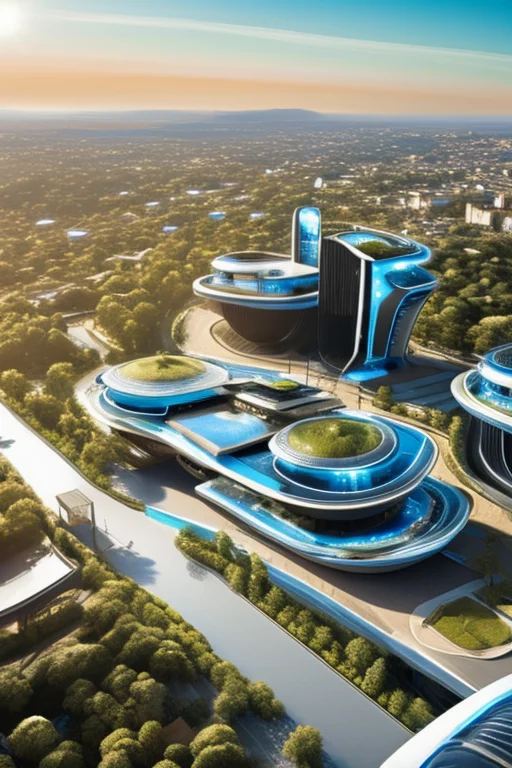
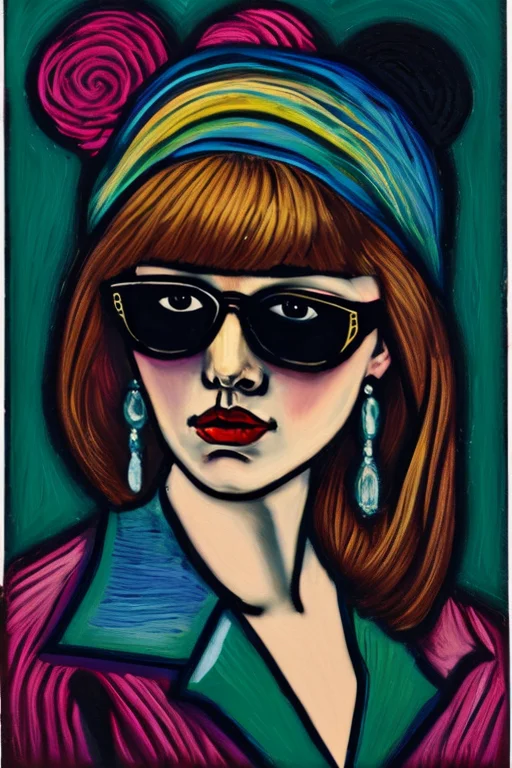
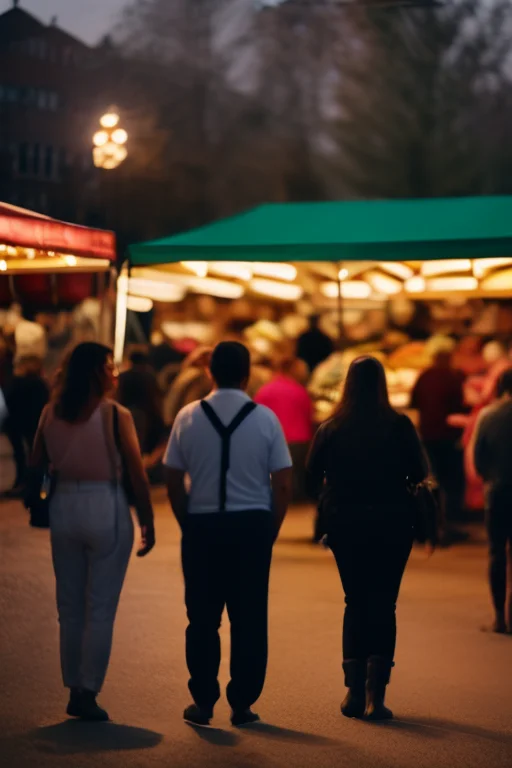
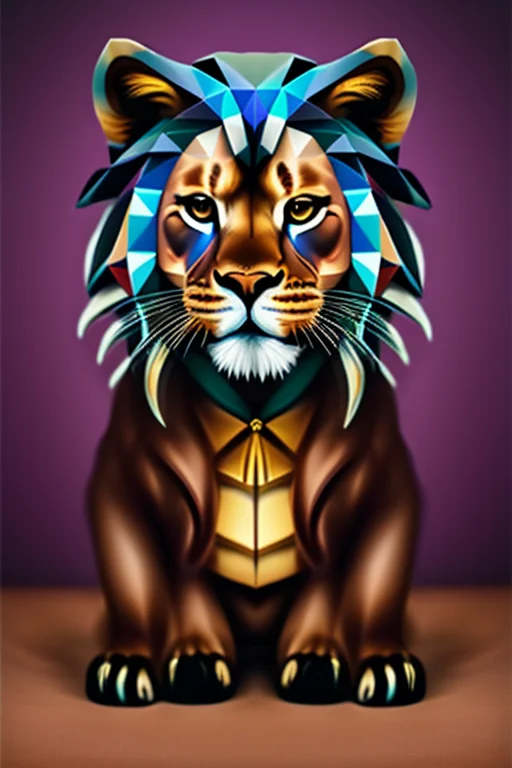
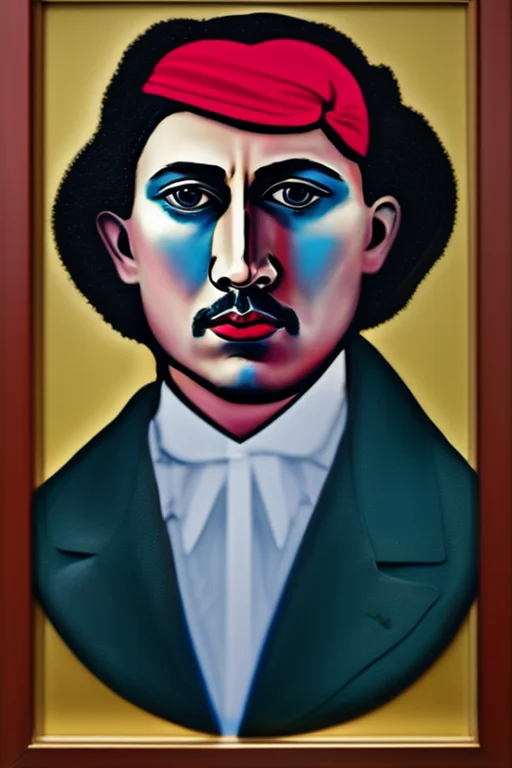
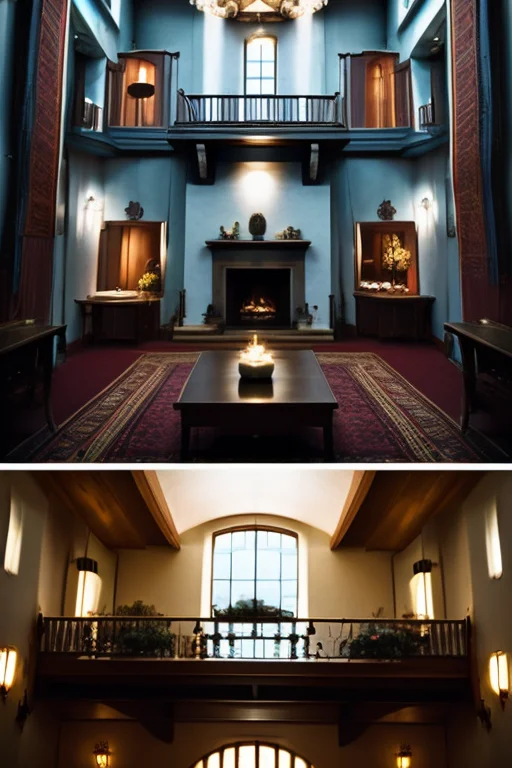
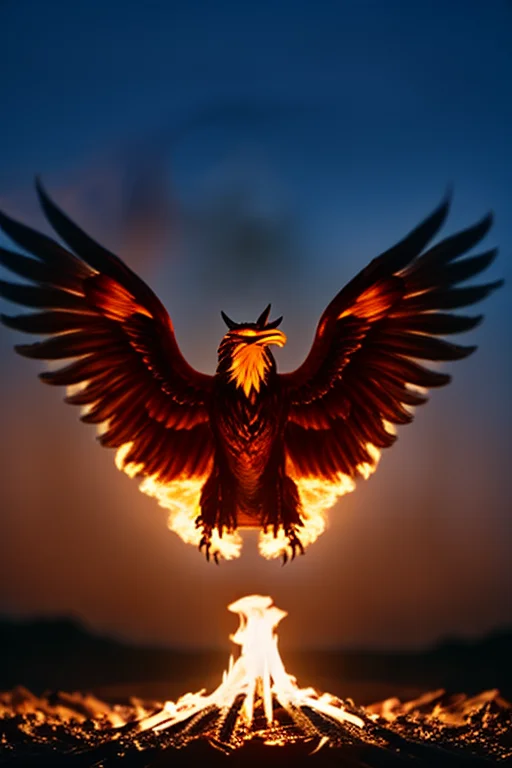
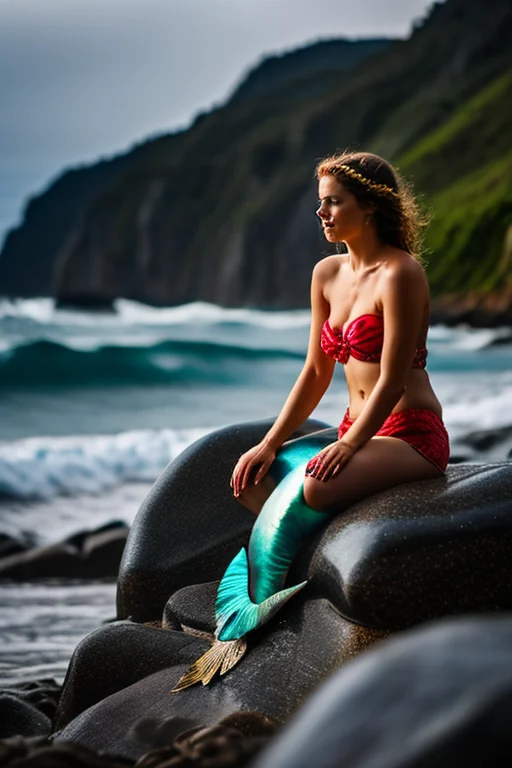
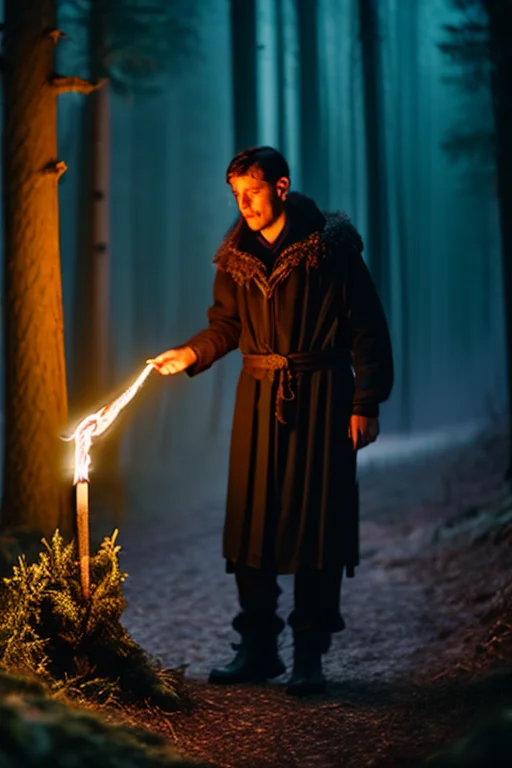
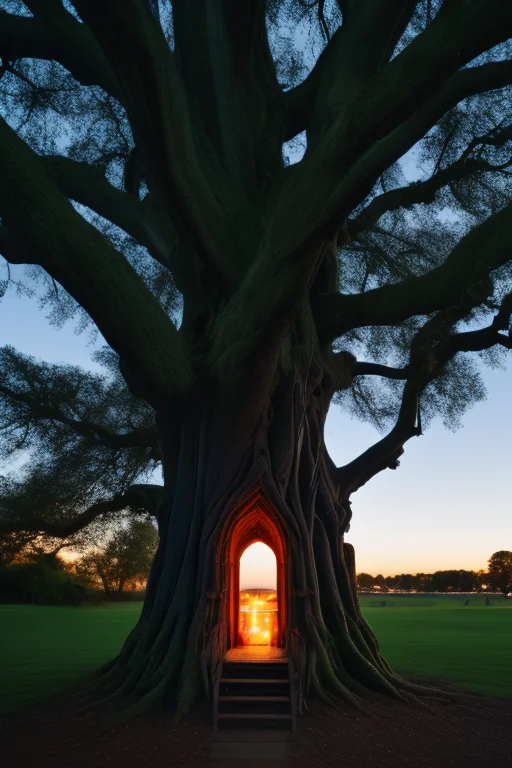
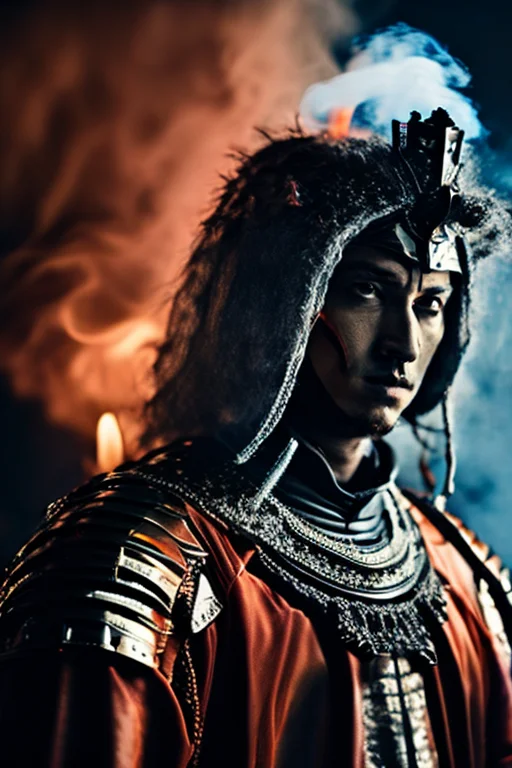
Below are thirty prompts I generated locally using the settings above. Every image came off the GTX 1060 6GB — no cloud, no API, no subscription. Generation time per image including hires fix was around 90 seconds.
Epic & Cinematic
Nature & Dreamscapes
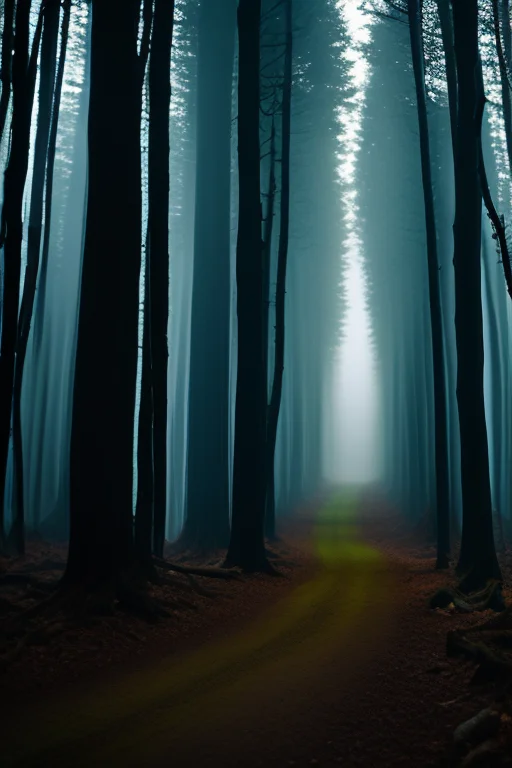
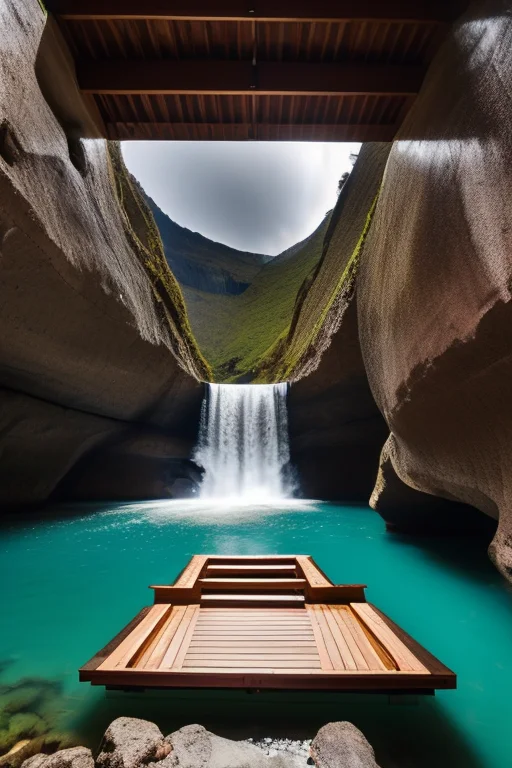
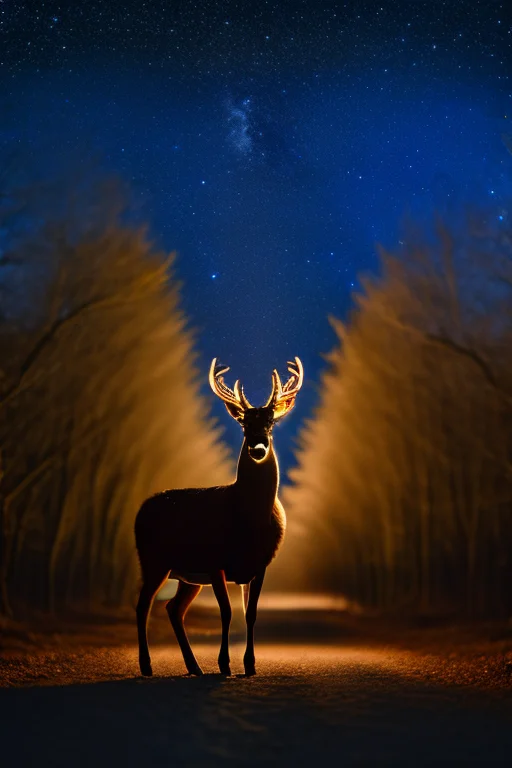
Surrealism & Symbolism
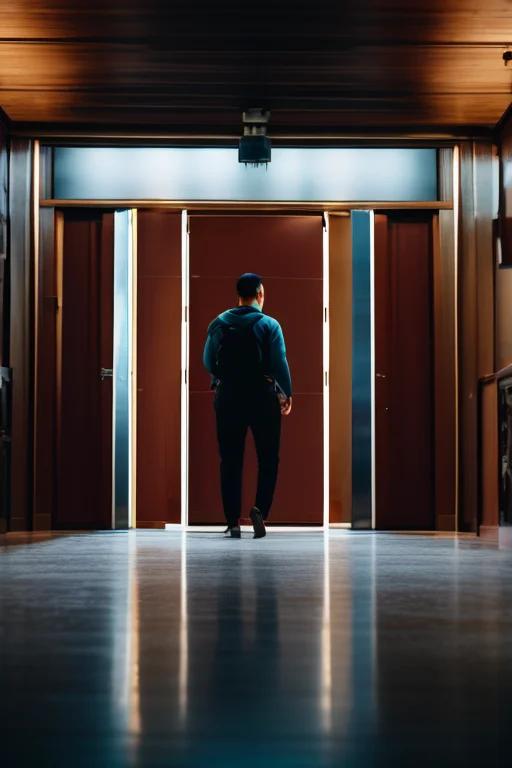

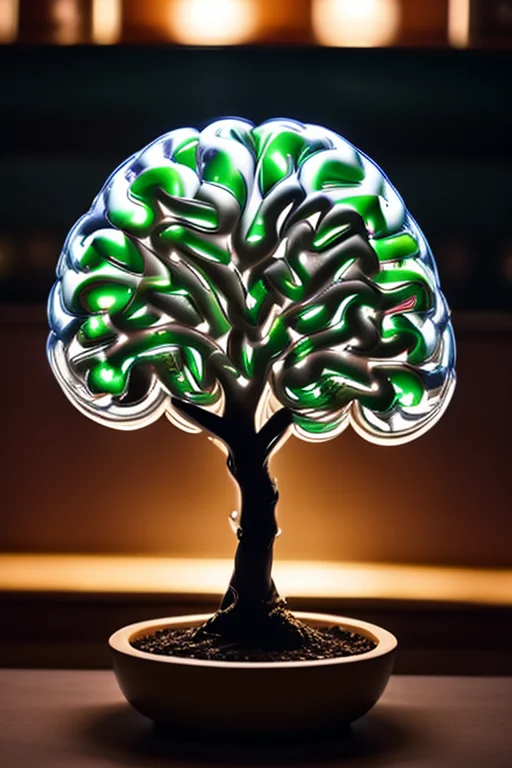
Technology & Sci-Fi
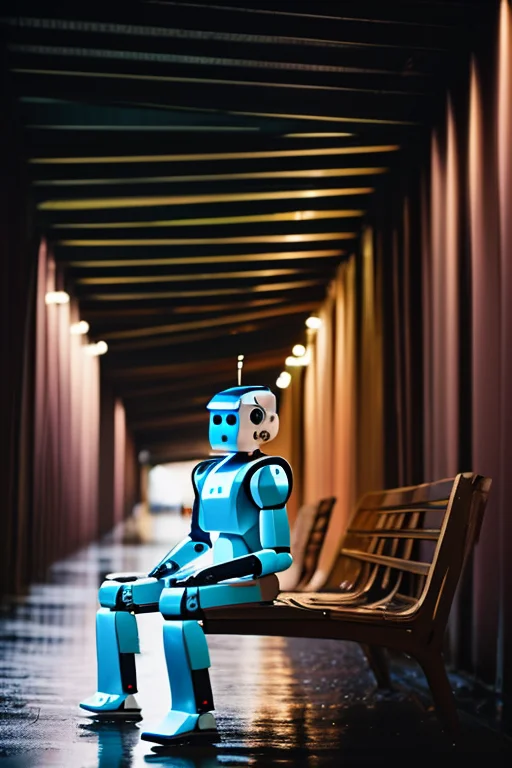
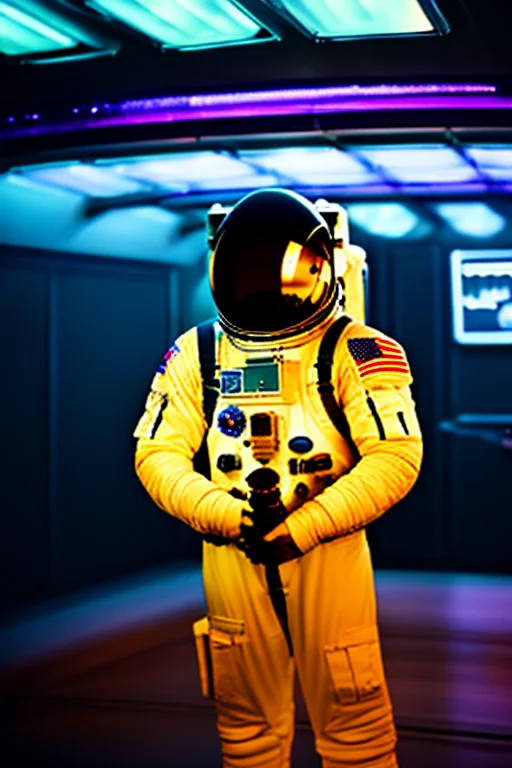
Artistic Styles
Fantasy & Mythology
Getting started
Stability Matrix is the easiest entry point. Download it, install Automatic1111 through its package manager, and download a model or two from CivitAI. You will be generating images within an hour of starting.
You will need:
- A dedicated NVIDIA GPU — 4GB VRAM minimum, 6GB+ recommended for SD 1.5 with hires fix
- Around 20GB of free disk space for a useful model collection
- GNU/Linux, Windows, or macOS — Stability Matrix runs on all three
- CUDA drivers installed and up to date
The first generation feels genuinely surprising. You type a sentence and get an image back — one that exists nowhere else, made on your own hardware, owned entirely by you.
That is the point of self-hosting, applied to AI.