Image 01 Image 02

3
Posted on 6th February 2007 by Chris

Copy this link and paste feed.xml into your aggregator(e.g. Juice or iTunes)
You may need Vlc Media Player to watch these videos, Vlc is Free Software

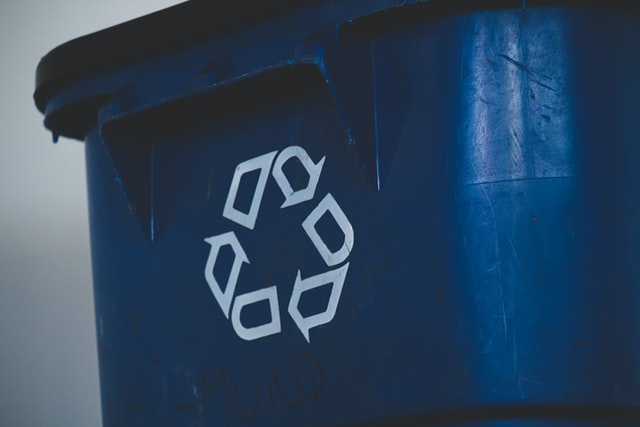
Save the Planet by recycling and reusing old computer hardware with the best operating system GNU/Linux.In this video I show a range of hardware that’s a least 9 years old and how useful it is with the best operating system. The commercial computer market is largely driven by vendors seeking to sell new hardware and software. There is no commercial marketing benefit in promoting reuse. GNU/Linux doesn’t require big hardware, it’s very useful if you like or need to use old and small hardware.
I also briefly mention Treacherous Computing. so make sure you are aware of it.

Popularity: 8% [?]

2
Posted on 24th November 2006 by Chris

In this video I look at open source web desktop environments, mainly eyeOS. Some of the web 2.0 heads might want to check out eyespot.


To enable your computer to play both video (Theora) and audio (Vorbis) files, please select a program from the listings here.

The video in AVI format is encoded with the free XviD codec.If your computer does not have the XviD codec installed, you can get it here or through your favorite free operating system’s software respository. Windows and Mac users can find easy-to-install XviD binaries here.

Visit this page for other formats

Popularity: 6% [?]

0
Posted on 12th November 2006 by Chris

I put together a lesson on how to Vlog with Free Software. I thought about doing the whole thing as an instructional video but that would end up being a huge file so this is enough to get you up and running. Below is the screencast for introducing the software thats used in the lesson.

Its an early release so hopefully it will be useful to some people. Here’s my Videoblog examples, thanks to Blender and Stephen Downes they received some attention. I”ll add them to the Multimedia Library soon.

Popularity: unranked [?]

7
Posted on 6th November 2006 by Chris

Click on the video below to watch it, if your reading this from a news feed you’ll have to visit my blog. In this video I take a quick look at Blender. There’s links for downloading it below.

Some people are probably like wtf is this windows and mac files, well its to try and say look you can choose from these videos so choose the top one where before they are probably thinking wtf is the Ogg file. Why Ogg Theora Matters for Internet TV.

To enable your computer to play both video (Theora) and audio (Vorbis) files, please select a program from the listings here.

This is the second video I’ve created with Blender, I started with 3 cubes that turned into a building, heres what it looks like on the outside.

Blender Building

The best resources for learning Blender I’ve found so far would be OpenCourseWare - Tufts University - Blender Course and the classroom tutorial book from Blender Animation, 3D Computer Animation Utilizing Free Software . You can browse my bookmarks if you want, there’s a lot of really useful resources for learning Blender on the web.

I’m also using a newer version of the open source flv player so some feedback would be nice.

Popularity: 20% [?]

2
Posted on 21st October 2006 by Chris

Click on the video below to watch it.

Download the Ogg (4.5MB)| AVI (4.7MB)

Visit this page for other formats

The video in AVI format is encoded with the free XviD codec.If your computer does not have the XviD codec installed, you can get it here or through your favorite free operating system’s software respository. Windows and Mac users can find easy-to-install XviD binaries here.

To enable your computer to play both video (Theora) and audio (Vorbis) files, please select a program from the listings here.

Popularity: 5% [?]